Natural Light
Place screens perpendicular to windows when possible. Avoid having a window directly behind or in front of your monitor.
Educational tips for monitor setup and visual habits during screen work. General information only — not medical advice.
Position your monitor so the top of the screen is at or slightly below eye level when you sit upright. This may help keep your neck in a neutral position and reduce upward or downward tilt during reading.
A commonly suggested viewing distance is roughly an arm's length — between 50 and 70 centimeters depending on screen size. Sit back in your chair and extend your arm; your fingertips may reach the screen surface as a rough guide.
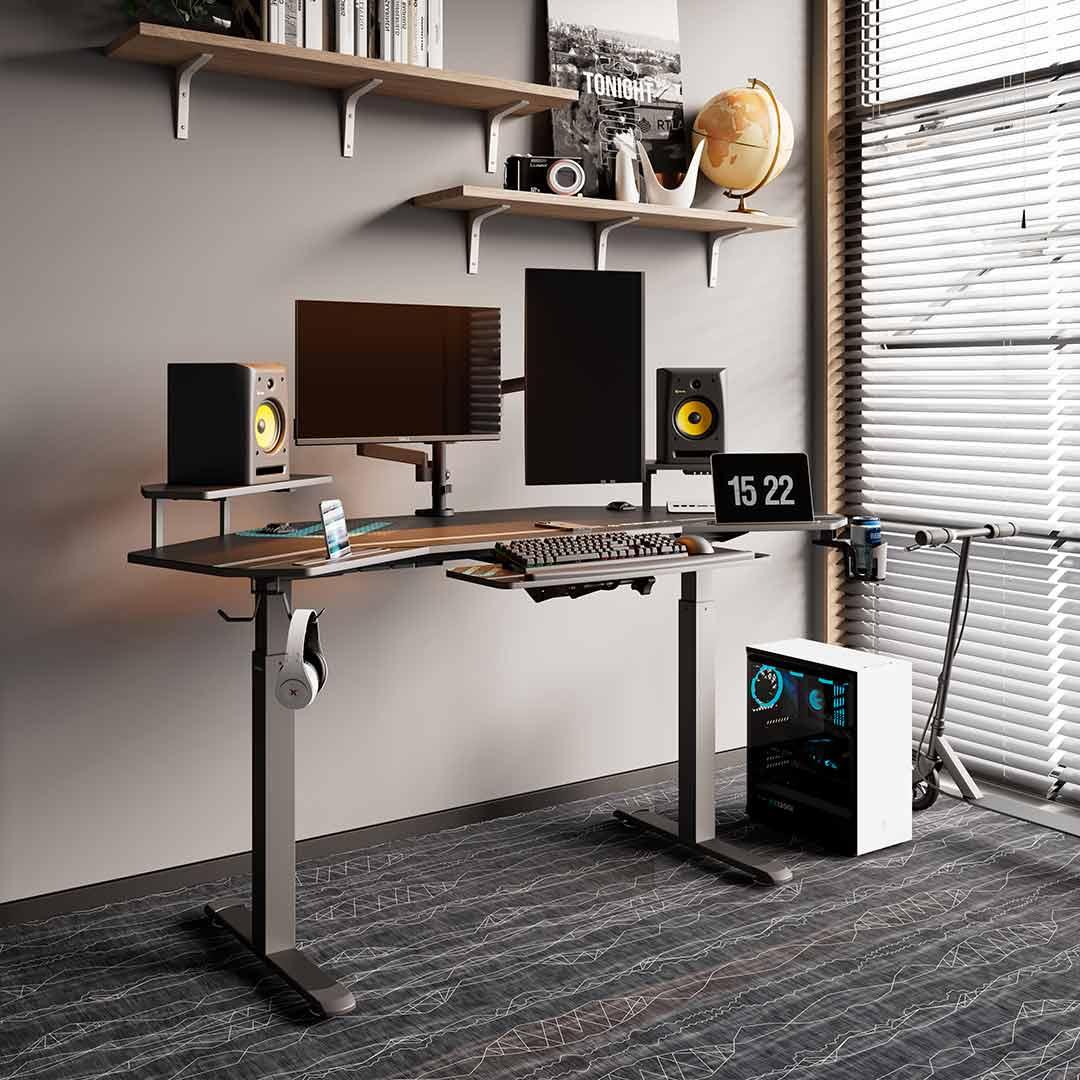
Ambient lighting should be balanced with your screen brightness. A screen that is significantly brighter or dimmer than the surrounding environment forces your eyes to work harder to adapt.
Position your desk to minimize glare from windows and overhead lights. Use blinds or indirect lighting to create even illumination across your workspace without harsh reflections on the screen surface.
Place screens perpendicular to windows when possible. Avoid having a window directly behind or in front of your monitor.
Match screen brightness to ambient light levels. Most operating systems offer automatic brightness adjustment features.
Extended screen focus may reduce blink frequency, which some people find contributes to dry or tired eyes. The commonly suggested 20-20-20 pattern is a simple rhythm: every 20 minutes, look at something 20 feet away for 20 seconds.
This brief visual break may give your eyes a chance to rest. Combine it with a posture check — stand, stretch, and reposition before returning to your desk.
Screen ergonomics are often most useful when combined with seated posture principles. A well-positioned monitor may support neck alignment, while proper chair setup can help your eyes meet the screen at a comfortable height.